Sample packet · fictional, clearly marked
See a completed sample packet
This is what a finished CiteClock closeout packet looks like, 18 pages from the cover to the evidence index. Open it before you pay for anything.
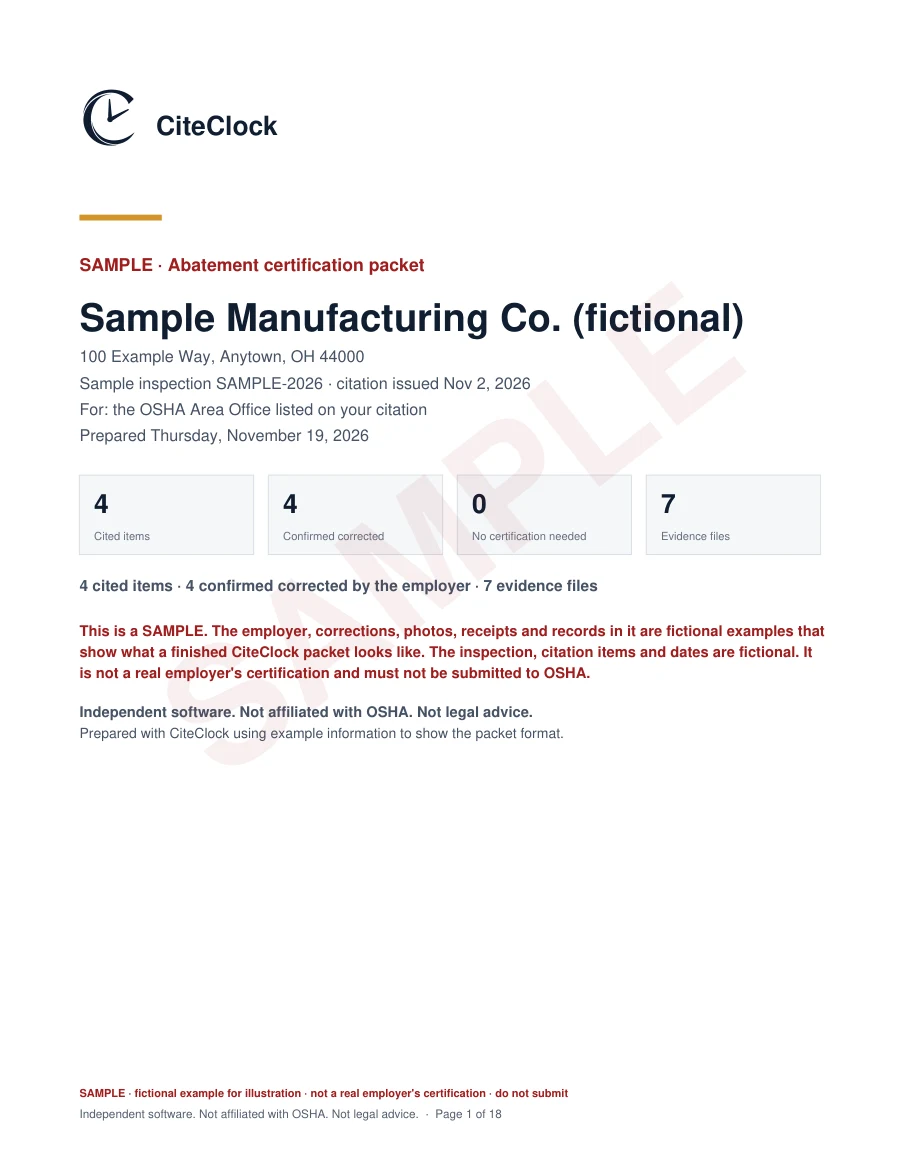
The inspection and case details are fictional and marked SAMPLE. It uses real OSHA standards with example dates, corrections, photos and documents to show the packet format.
The photos are licensed stock images (Unsplash License: Christopher Burns, Daulet Turubayev, Toolmash Expo), stamped “SAMPLE PHOTO · illustrative”. A photo or receipt supports an item; on its own it does not prove compliance. This sample is not a real certification and was never sent to OSHA.
What's inside
Every page has a job.
Page 1
Cover
Employer, inspection, Area Office and the four numbers that matter.
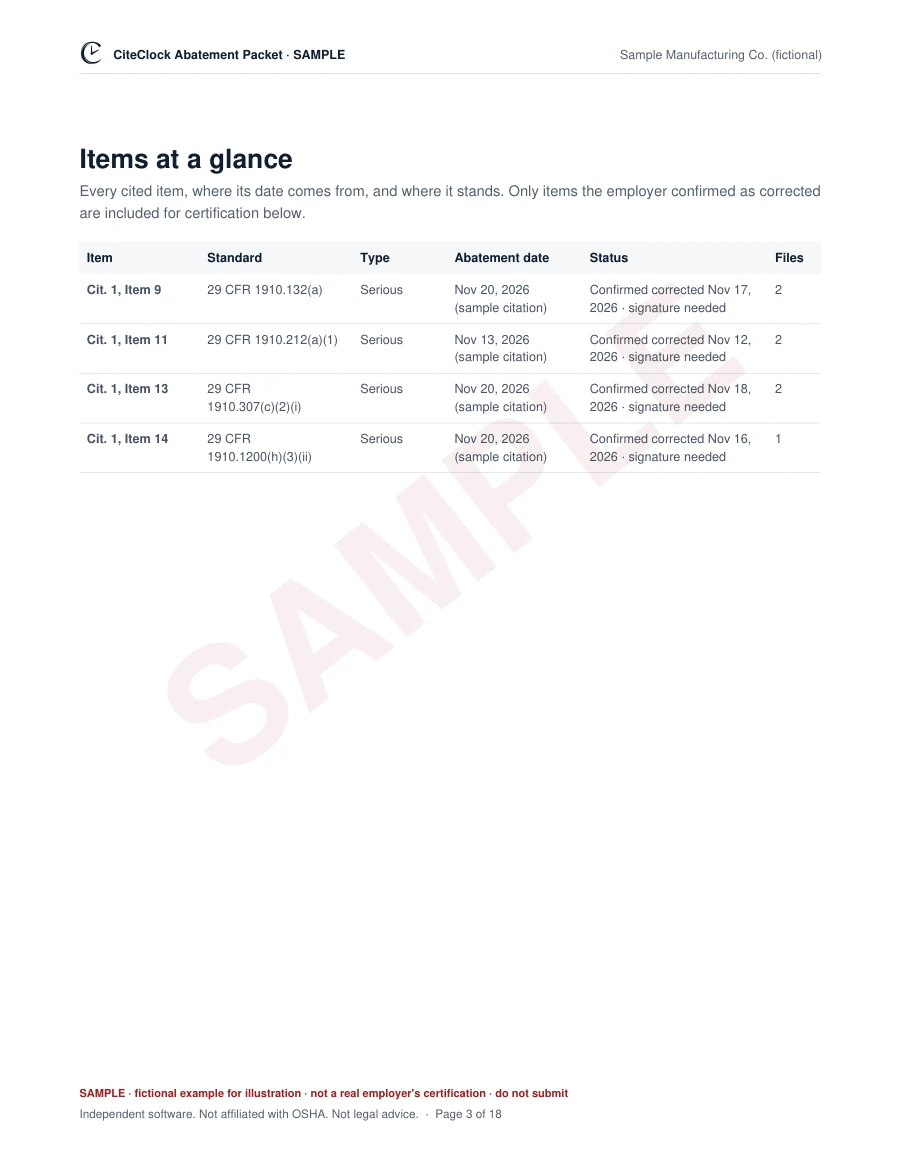
Page 3
Items at a glance
Every cited item, where its date comes from and where it stands.
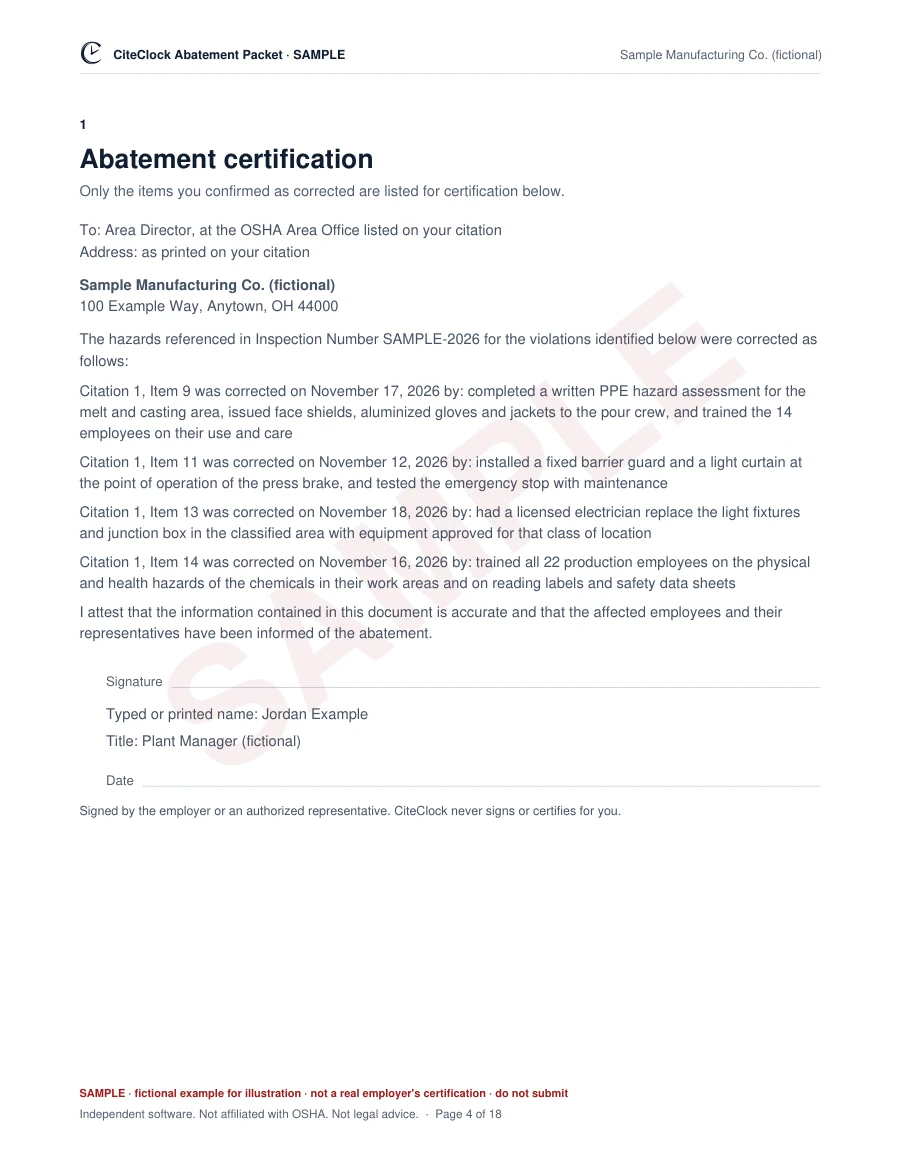
Page 4
Certification letter
OSHA's Appendix A layout. Only confirmed items are listed for certification; the signature line stays blank for you to sign and date.
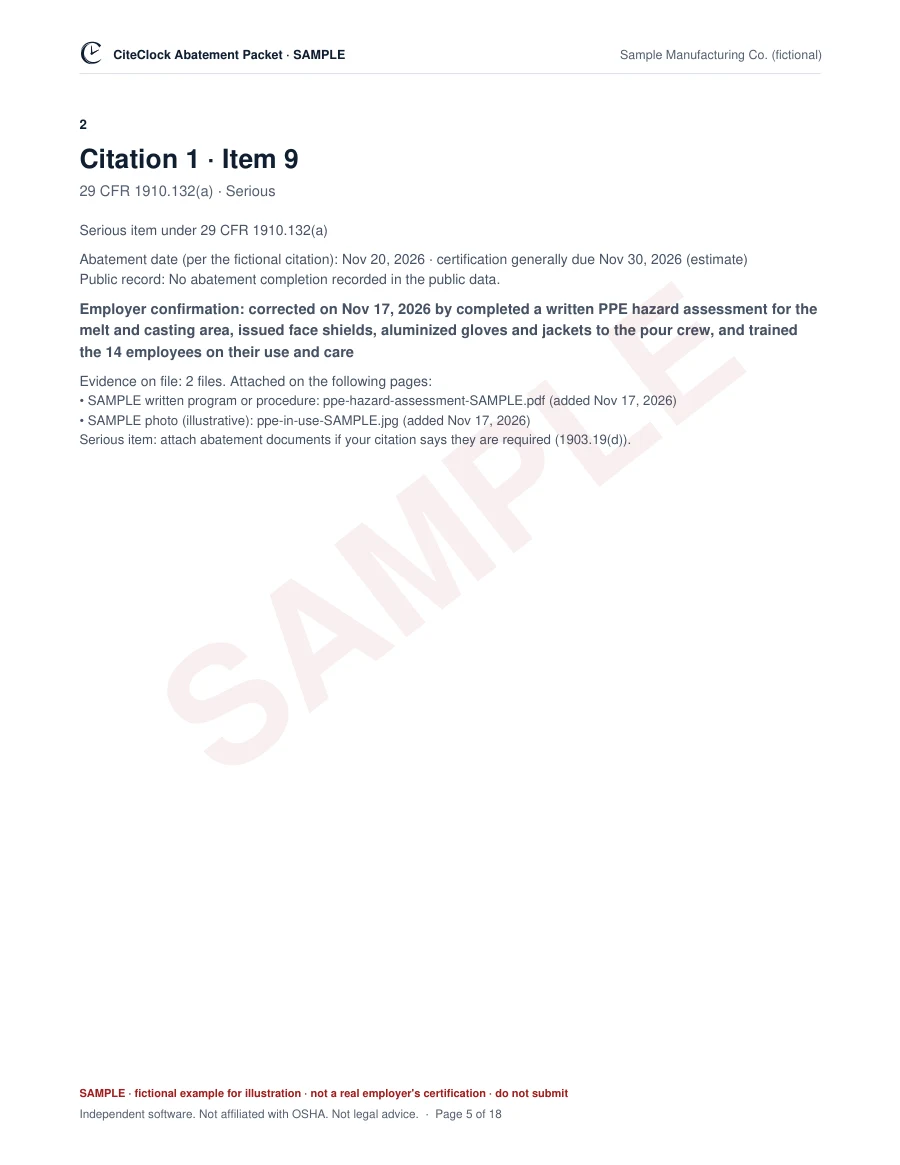
Page 5
Each item
What was cited, the abatement date, the confirmed correction and the files that support it.
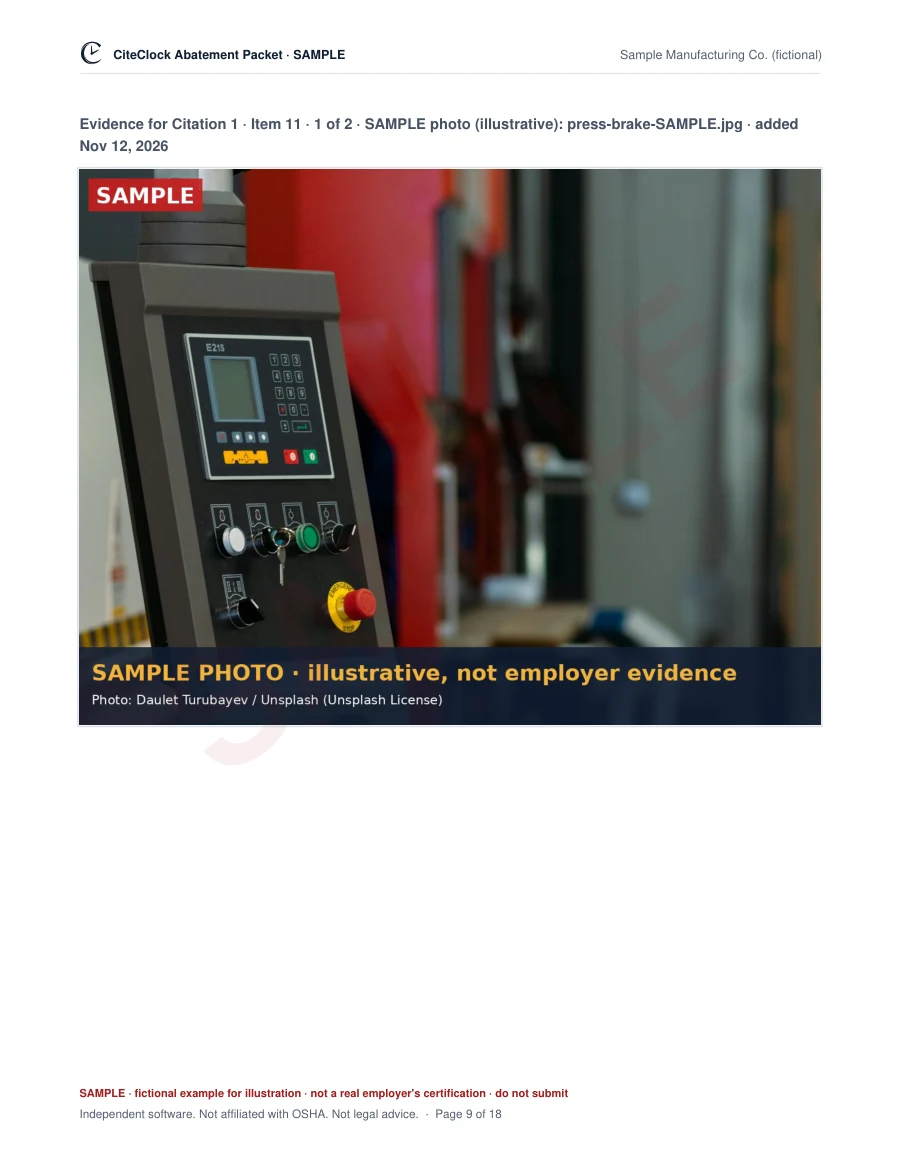
Page 9
Photos, labeled
Each photo on its own page, captioned with the item and the date it was added.
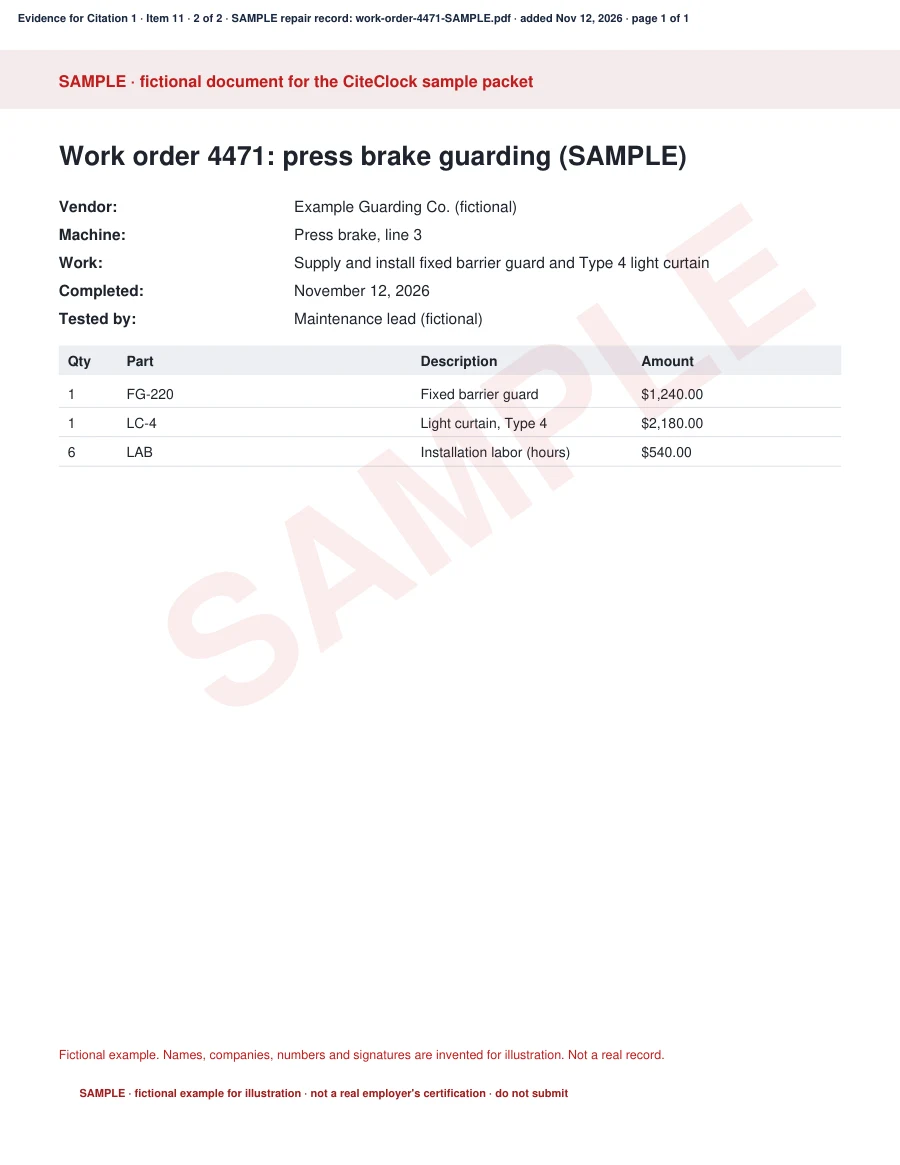
Page 10
Documents, in order
Work orders, invoices and training records placed right after the item they support.
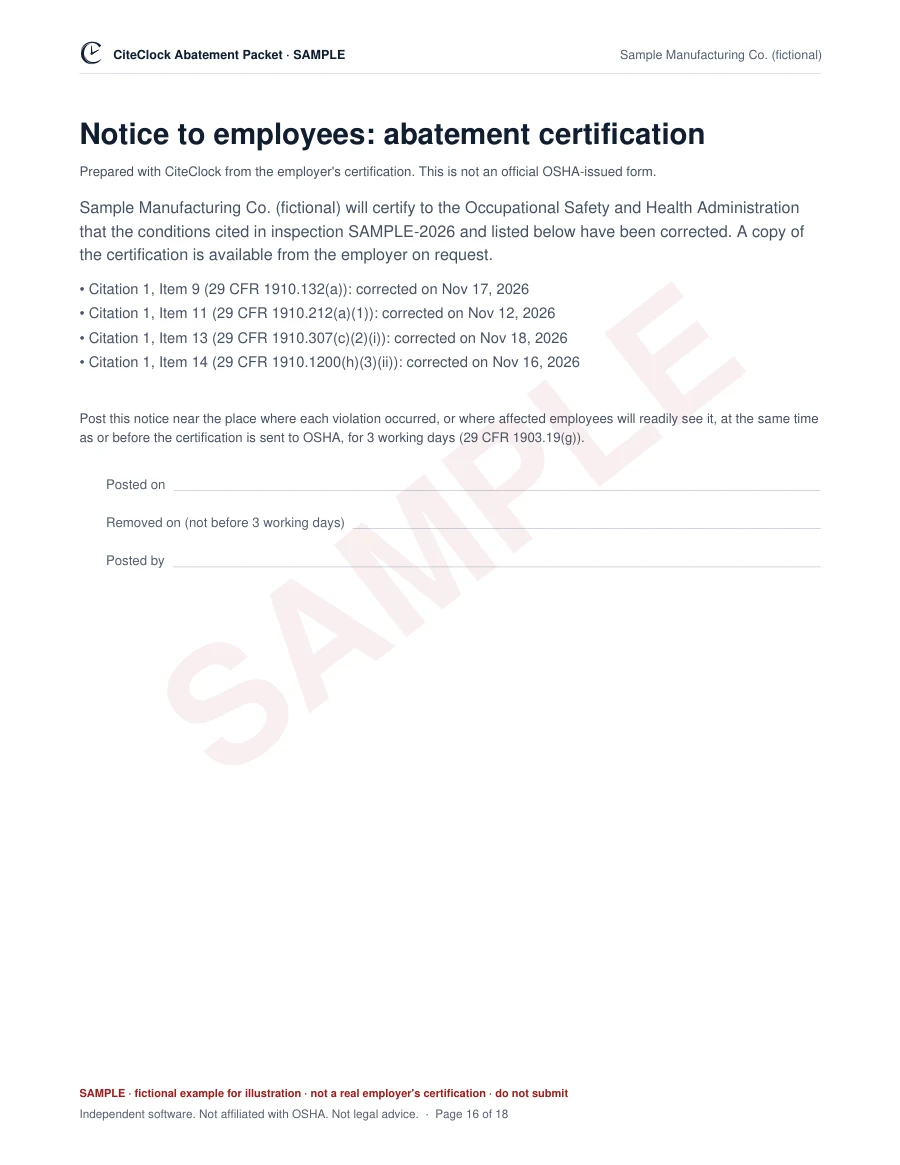
Page 16
Employee posting
The 1903.19(g) notice, ready to print and post.
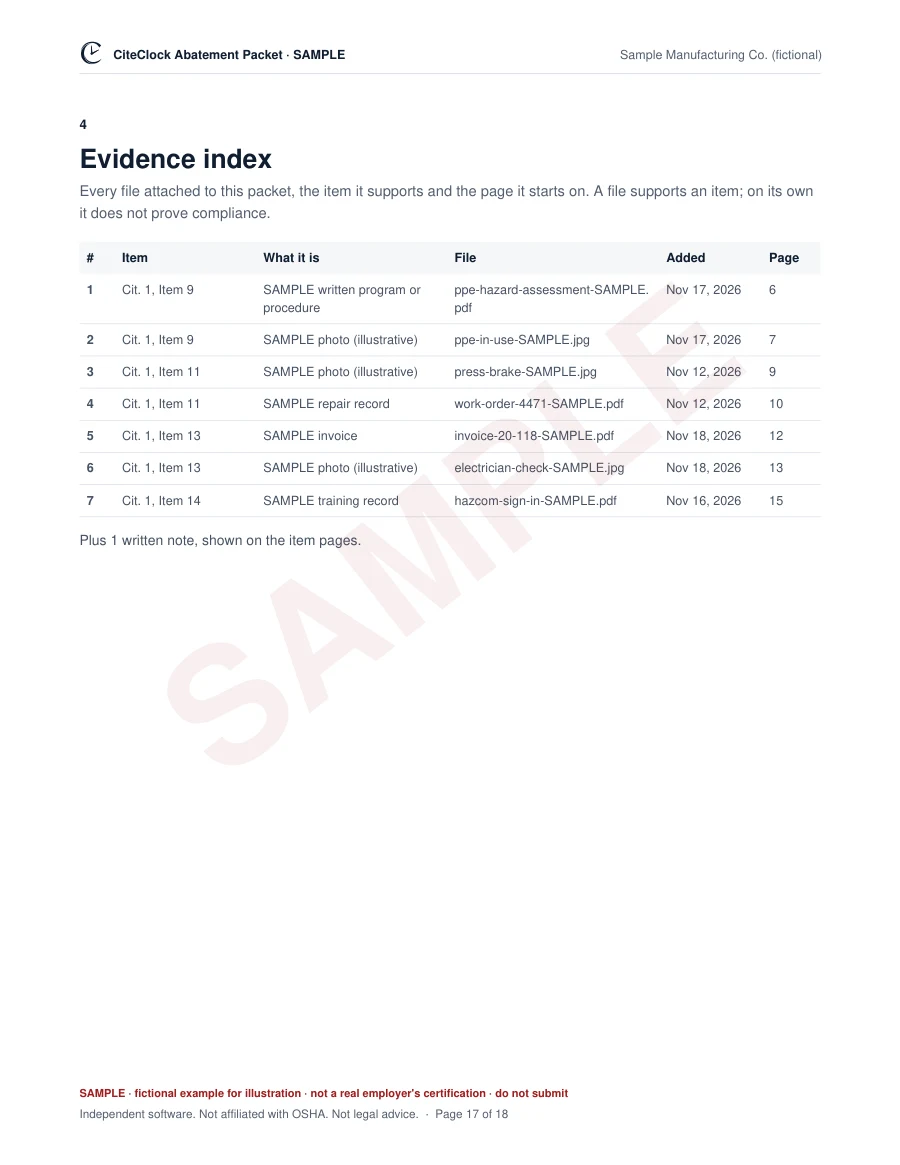
Page 17
Evidence index
Every file, the item it supports and the page it starts on.
Honest comparison
Why use CiteClock instead of OSHA's free sample letter?
OSHA gives you the format for free. CiteClock does the organizing around it: your items, your dates, your proof and the paperwork, in one place.
Only one or two simple items? OSHA's free sample letter may be all you need. CiteClock is optional: OSHA does not require it, and using it does not guarantee that OSHA accepts your certification. The rule is 29 CFR 1903.19 .
See a completed sample packet to judge the difference yourself.
Before you pay
Exactly what the plan includes
What you provide, what CiteClock drafts, and what the rule asks for. You confirm every fact and sign.
- The facts from your citation and the dates you confirm.
- What was corrected and when, in your own words, with supporting files.
- The name and title of the person who signs.
- The facts from your citation and the dates you confirm.
- What was corrected and when, in your own words, with supporting files.
- The name and title of the person who signs.
- Software only: it does not read your photos, decide whether an item is fixed or check your workplace.
- Organizes citation items, dates and your evidence.
- Lists missing documents and builds clean PDF/ZIP outputs.
- Keeps basic case history. One user on this case.
- Software only: it does not read your photos, decide whether an item is fixed or check your workplace.
- Organizes citation items, dates and your evidence.
- Lists missing documents and builds clean PDF/ZIP outputs.
- Adds draft corrective-action plans for you to review (drafted with AI; you decide what is kept), assignments, worker evidence links and supervisor approvals.
- Keeps the full audit trail and schedules follow-up evidence checks.
- Up to 5 people on this case, including its owner.
- Work at your own pace. Download when you are ready.
- Coordinate the work at your team’s pace. Download when you are ready.
Access continues while CiteClock operates, subject to the Terms of Service. Sales tax or VAT may be added at checkout where applicable. The $100 upgrade to COMMAND keeps the case's existing access terms. No subscription or scheduled renewal.
What evidence the rule asks for
- Every item you certify: the date it was corrected and how (29 CFR 1903.19(c)).
- Willful and repeat items: documents showing the correction, such as photos, receipts or training records (1903.19(d)).
- Serious items: the same documents when your citation says so (1903.19(d)).
- Other items: the rule does not require documents. A photo or record kept with the packet is optional.
- Abatement plans and progress reports: only when your citation asks for them (1903.19(e) and (f)).
What you get
- One PDF to sign and send: cover, items at a glance, the certification letter in the layout of OSHA's Appendix A sample (only the items you confirmed), each item with its files after it, the employee posting, where to send it and an evidence index.
- Abatement plan and progress report forms in the Appendix B layout, when your citation requires them.
- Your private case and archive: every file, confirmation and packet you send, kept with its date.
Who verifies and signs
- You confirm every fact. CiteClock never marks an item corrected for you.
- The employer or an authorized representative signs the letter, sends the packet to the OSHA Area Office on the citation and posts the employee notice.
- CiteClock lists what is missing. It cannot confirm a hazard was fixed, and it never signs, certifies or files anything with OSHA.
Not included
- Legal advice, contesting or negotiating the citation, or dealing with OSHA for you. CiteClock is independent software, not a law firm, and not affiliated with OSHA.
Pricing · One time per case, no subscription.
See your own drafted packet. It's free.
Enter the inspection number printed on your citation.
Independent software. Not affiliated with OSHA. Not legal advice. Search by company name